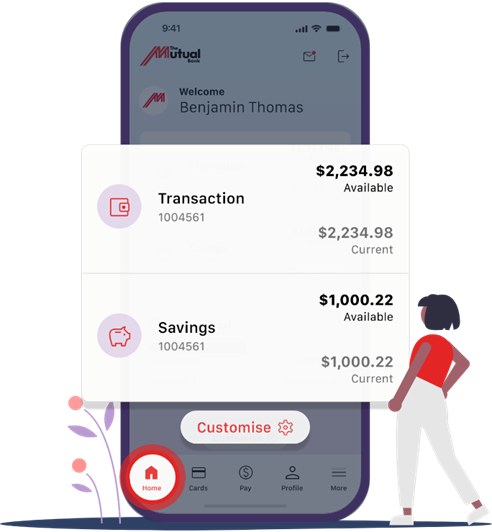
Important Update to the Mutual App
To help keep your banking secure, we’ve retired an older version of The Mutual App (App 2) as part of ongoing security and system improvements.
If you’re using an outdated version of the app, you may see a message asking you to update before logging in.
Please ensure your device is running one of the following supported operating systems:
Apple iPhone: iOS 12.2 or above
Android devices: Android 7 or above
If your device cannot update to a supported version, you can still access your accounts anytime using our mobile‑friendly Internet Banking on our website, or by using another supported device.